
For job seekers
Applying for jobs and following your applications
Find jobs, apply directly on Bejobb and see how each application is going.
How to do it
Search
Type an occupation or a skill and a town on the start page and click “Search Jobs”. You can also filter by salary or tap a popular skill.

Two kinds of jobs
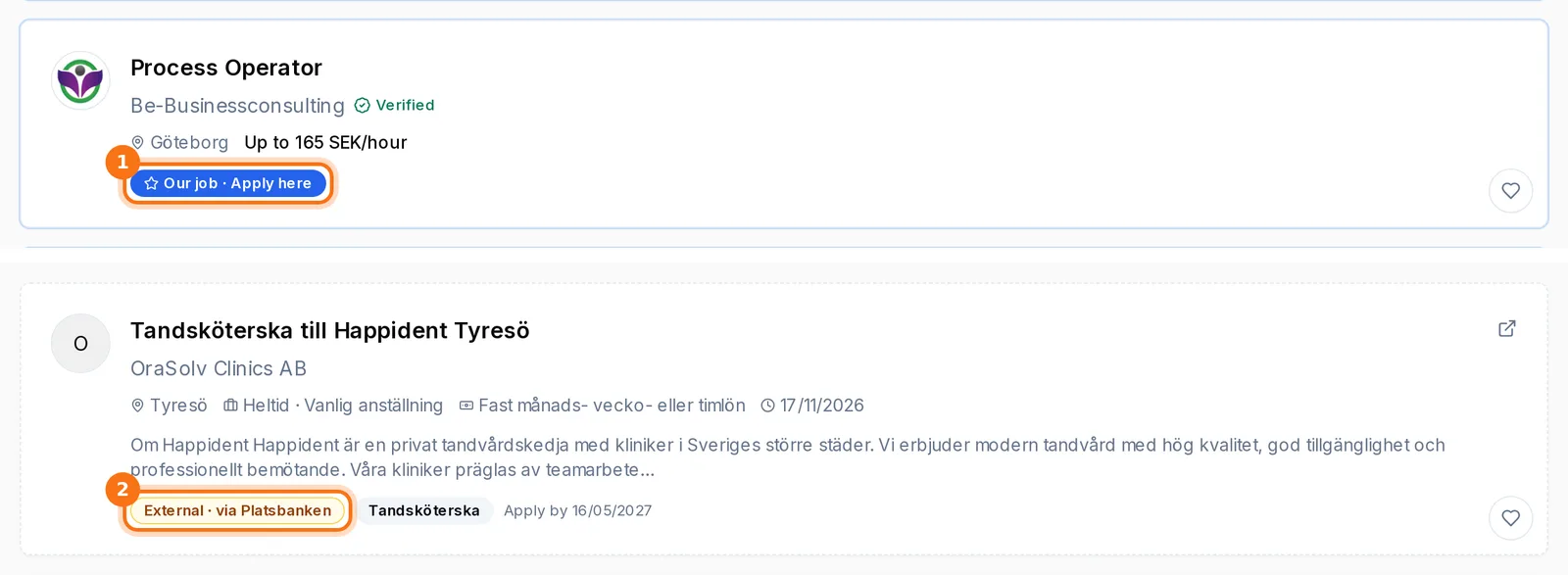
Jobs marked “Our job · Apply here” are applied for directly on Bejobb. Jobs marked “External · via Platsbanken” open on the original website, where you apply the employer's way.
Send your application
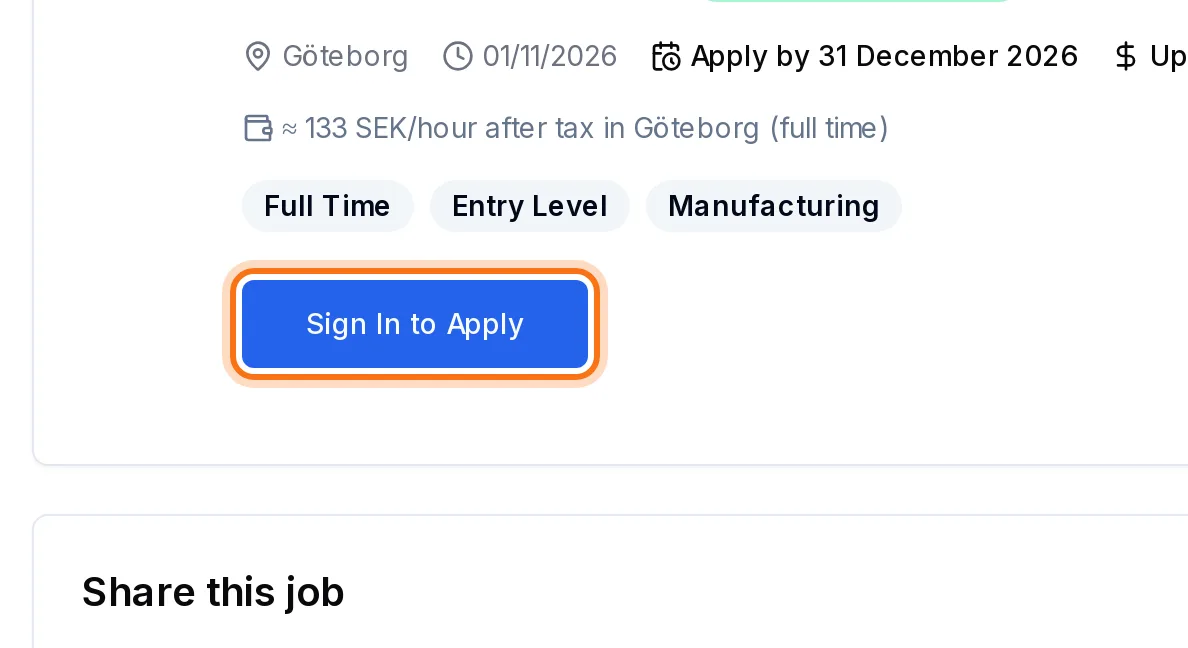
Open the job and click “Apply Now” (if you are not signed in, it says “Sign In to Apply”). Your profile and CV are sent to the employer. A cover letter is optional – write your own or click “Write a suggestion with AI”.
Follow the application
Your dashboard shows each application and how far it has come: Sent, Reviewed, Interview and Decision. You also get an e-mail when the employer changes the status.
Add references
Click “Referrals” next to an application to give the employer names and contact details of people who can vouch for your work.
Good to know
- On the job page you see how many of the required skills you have (marked in green).
- Save jobs with the heart – they stay under Saved jobs on your dashboard.
More guides
Can't find the answer?
Write to us and we'll help you. We normally reply within 24–48 hours on weekdays.