
All guidesCreate a company account
For employers
Getting started as an employer
Create a company account, get approved and post your first job for free.
How to do it
Create a company account
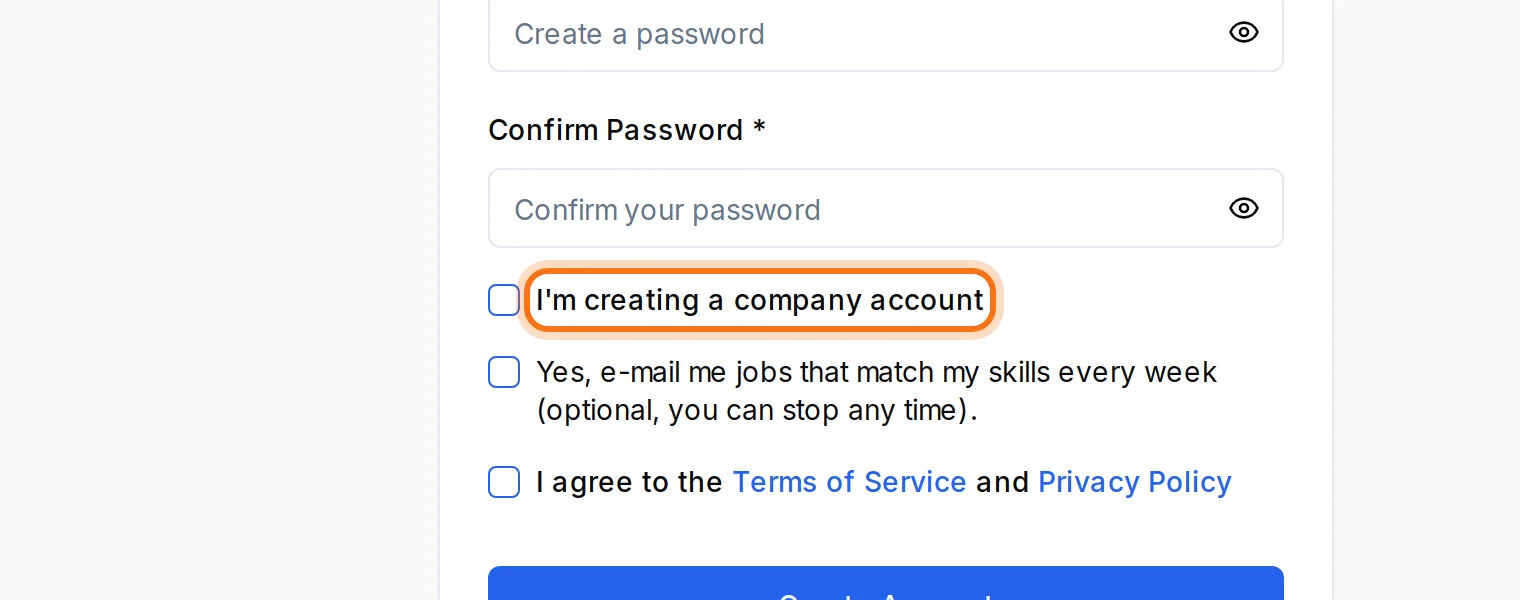
Click “Sign Up” and tick “I'm creating a company account”. Fill in the company name and the other company details.

Wait for approval
We review every company before it can post ads, normally within 24–48 hours. You get an e-mail when the account is approved.
While you wait
Update the company profile and prepare your ads. Once approved, your ads show the “Verified employer” badge.
Post
Click “Post Job”. The Free plan gives you one active ad at a time.
More guides
Can't find the answer?
Write to us and we'll help you. We normally reply within 24–48 hours on weekdays.